WhistleBack
Lost your phone under a cushion again? Whistle your own little tune and it rings back — loudly, even on silent. Unlike other whistle finders, it ignores the TV, talking, dogs and dishes. It only answers your tune.
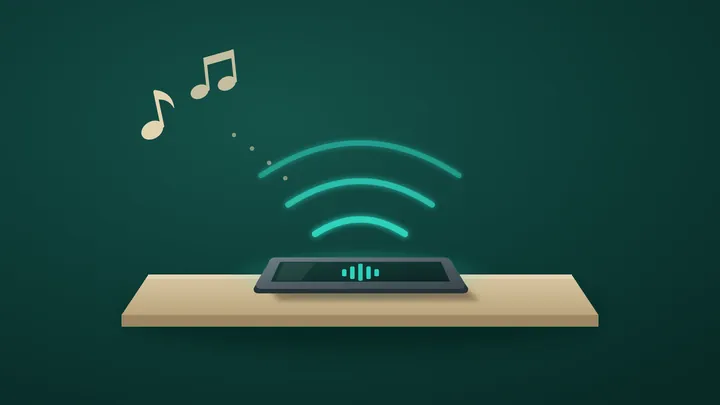
How it works
Learns your tune
Whistle a short tune of 3–6 notes, three times. The app learns its melody and rhythm.
Ignores other noise
It listens only for the pure tone of a whistle, then checks it against your tune. Voices, music and clatter don't set it off.
Forgiving where it should be
Whistle a bit higher, lower, faster or slower and it still knows it's you. A different tune won't match.
Hard to miss
Full-volume alarm (even in silent mode), vibration and a blinking flashlight until you tap "I found it".
Ring it from the web
Can't whistle near it? Link the phone to your email, then sign in on Ring my phone from any computer and make it ring.
Hear and keep your tune
Play back your recorded whistle, and export it to Google Drive, email or another device, so you never forget which tune to whistle.
Private
Listening happens on the phone and no sound is ever sent anywhere. Only your own practice whistle is kept, on the phone, until you choose to export it.
Test mode
See exactly which notes the phone hears and why it did or didn't match, so you can tune the sensitivity.
Install
- On your Android phone or tablet, tap Download for Android above.
- Open the downloaded WhistleBack.apk. If Android asks, allow your browser to install unknown apps, then tap Install.
- Open WhistleBack, tap Record new pattern, and whistle your tune three times.
- Tap Test detection to try it, then Start listening.
- Tap Allow running in background so Android doesn't stop it.
- Optional: tap Export to save a copy of your whistle elsewhere, and under Ring from the web tap Set up so you can ring the phone from this website.
WhistleBack isn't on the Play Store yet, which is why Android shows a warning for apps from outside it. After restarting your phone, open the app once to start listening again — Android doesn't let apps turn on the microphone by themselves at startup.